Calculasci

Every dot.
Exactly right.

A real scientific calculator, rebuilt dot for dot for Android.

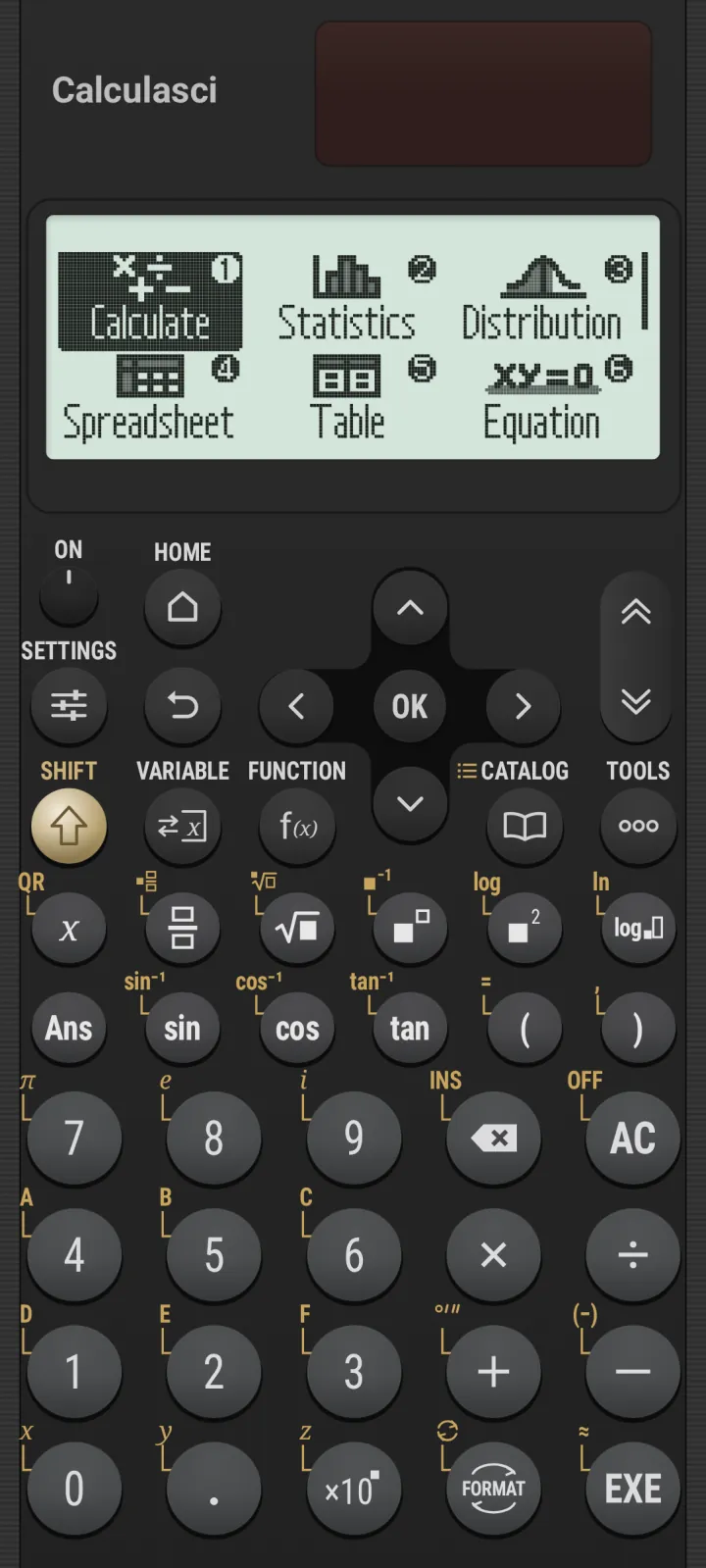
Calculasci showing its HOME screen, with Calculate, Statistics, Distribution, Spreadsheet, Table and Equation apps

Calculasci doesn’t imitate a calculator. It is one. Fifteen thousand eight hundred LCD dots, in four shades. A full physical keypad. Answers that stay exact. And not a single character drawn by anyone but the calculator itself.

The display

Pixel-perfect is
an understatement.

15,800 dots.

A 200 × 79 grid. Four shades: off, light, dark and on. Every font, icon and badge traced by hand, so the screen looks identical on every phone, at every density.

Natural Textbook Display

Answers in their
purest form.

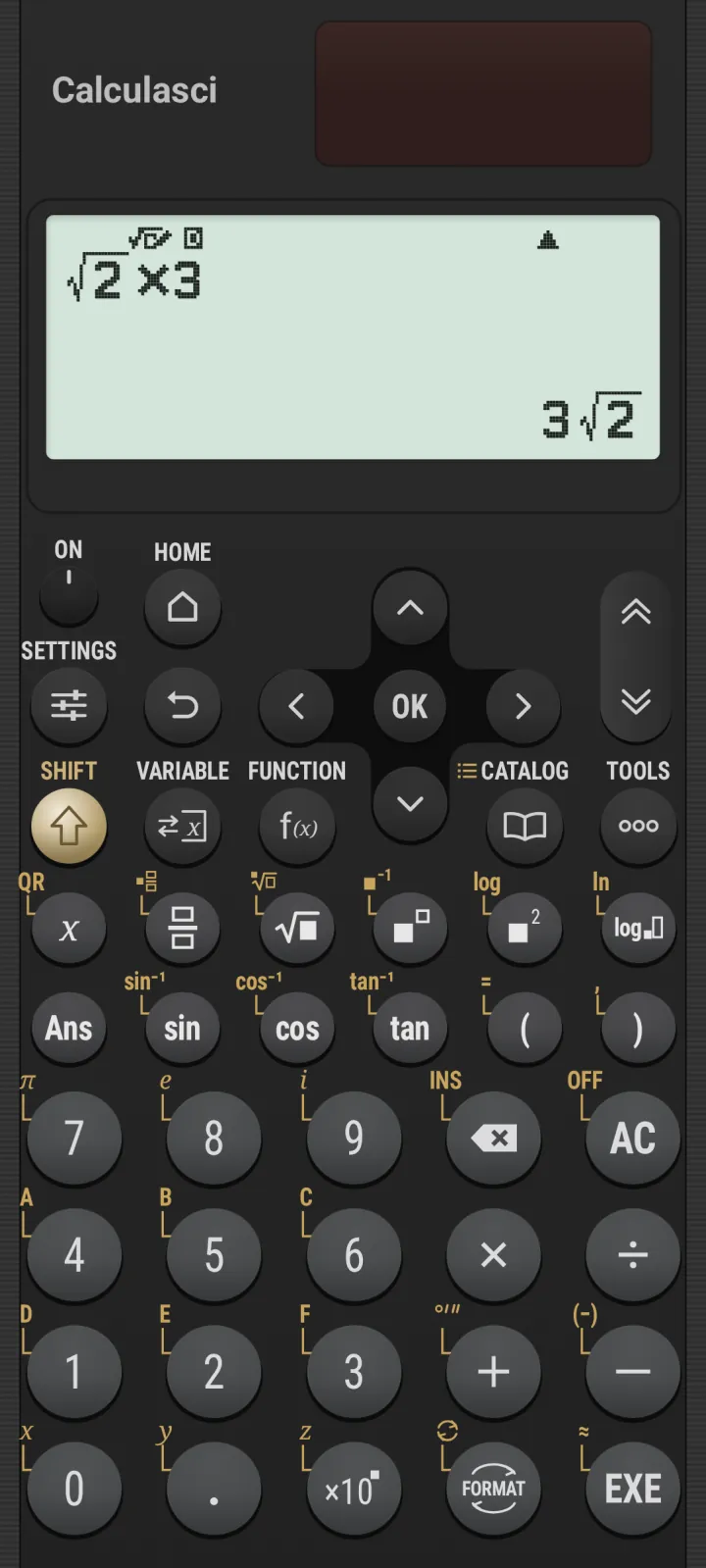
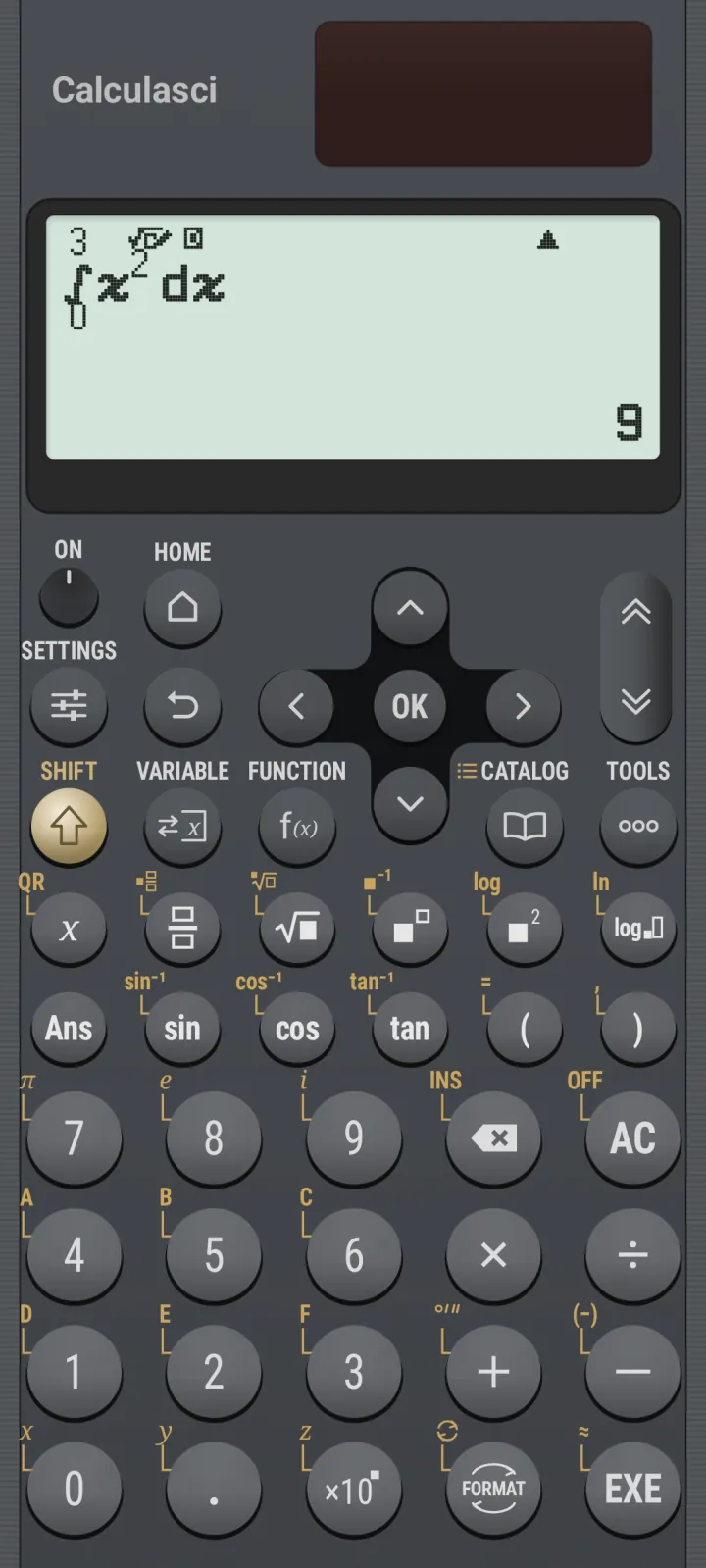
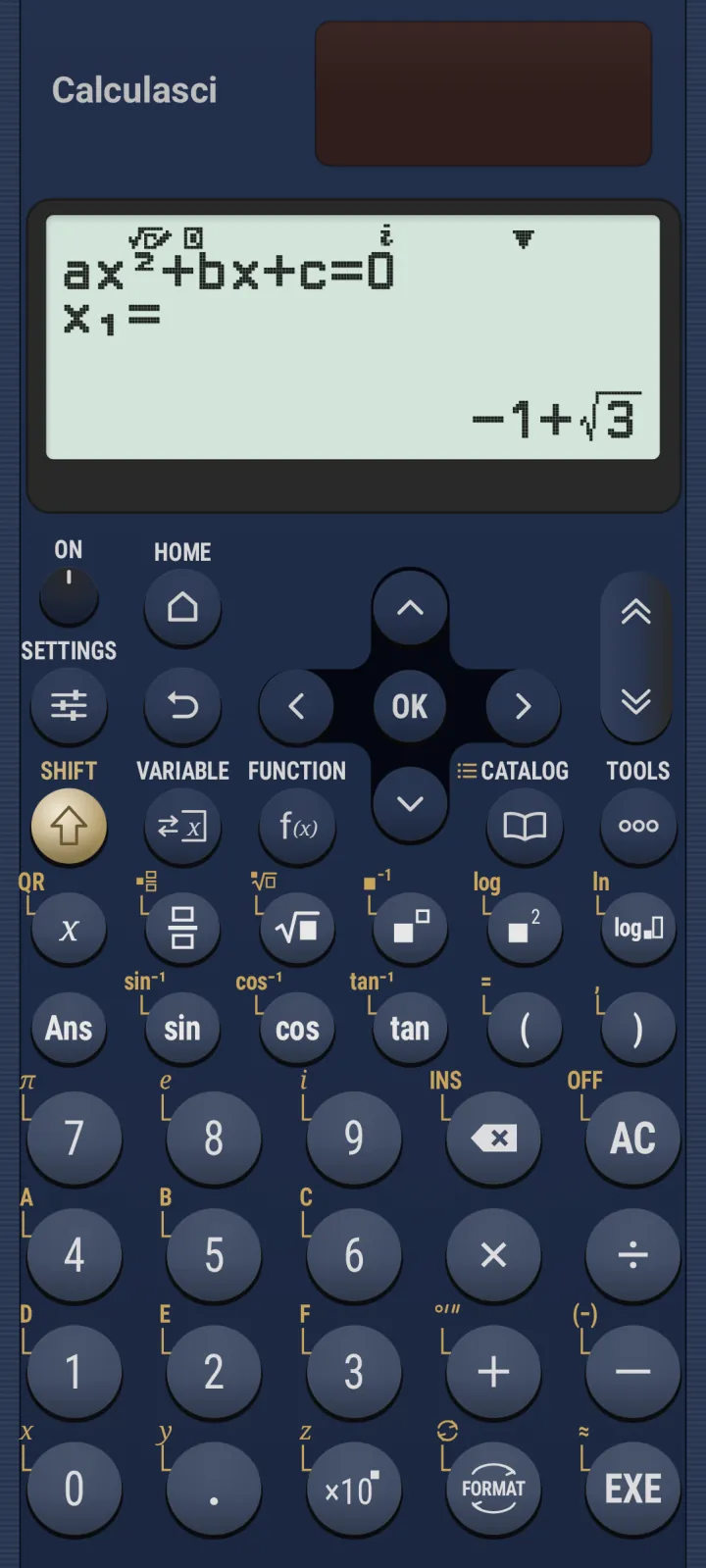
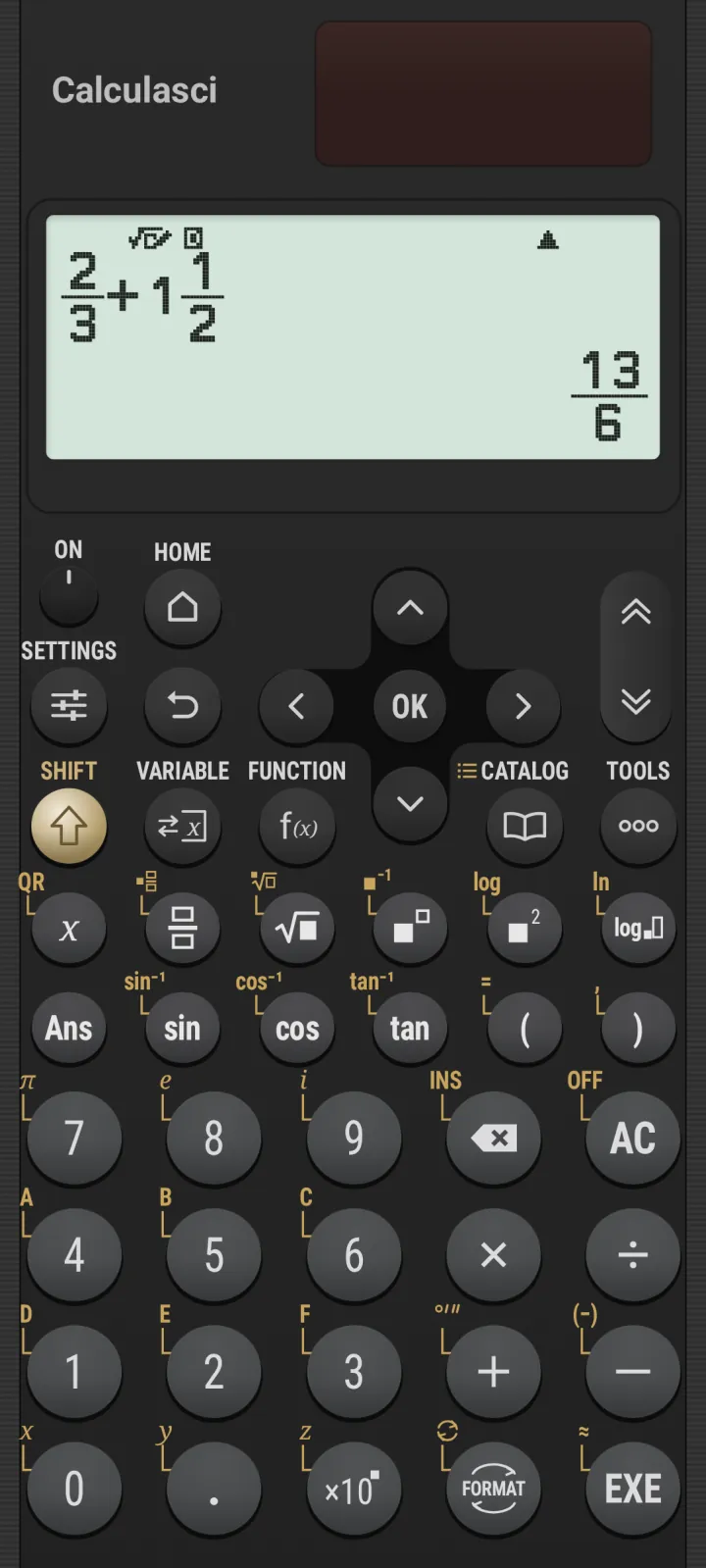
Fractions, roots, powers, logs, integrals, sums and derivatives go in exactly as they’re written in your textbook. And they come out the same way: exact fractions, surds like −1+√3, and multiples of π. Decimals only when you ask.

2/3 + 1 1/2 = 13/6
13⁄6 Exact fractions, mixed numbers included.
square root of 2 times 3 = 3 square root 2
3√2 Surds that stay surds.
Integral from 0 to 3 of x squared dx = 9
∫ = 9 Calculus, in stacked templates.

40-digit

internal arithmetic1

10-digit

display, rounded only at the very end

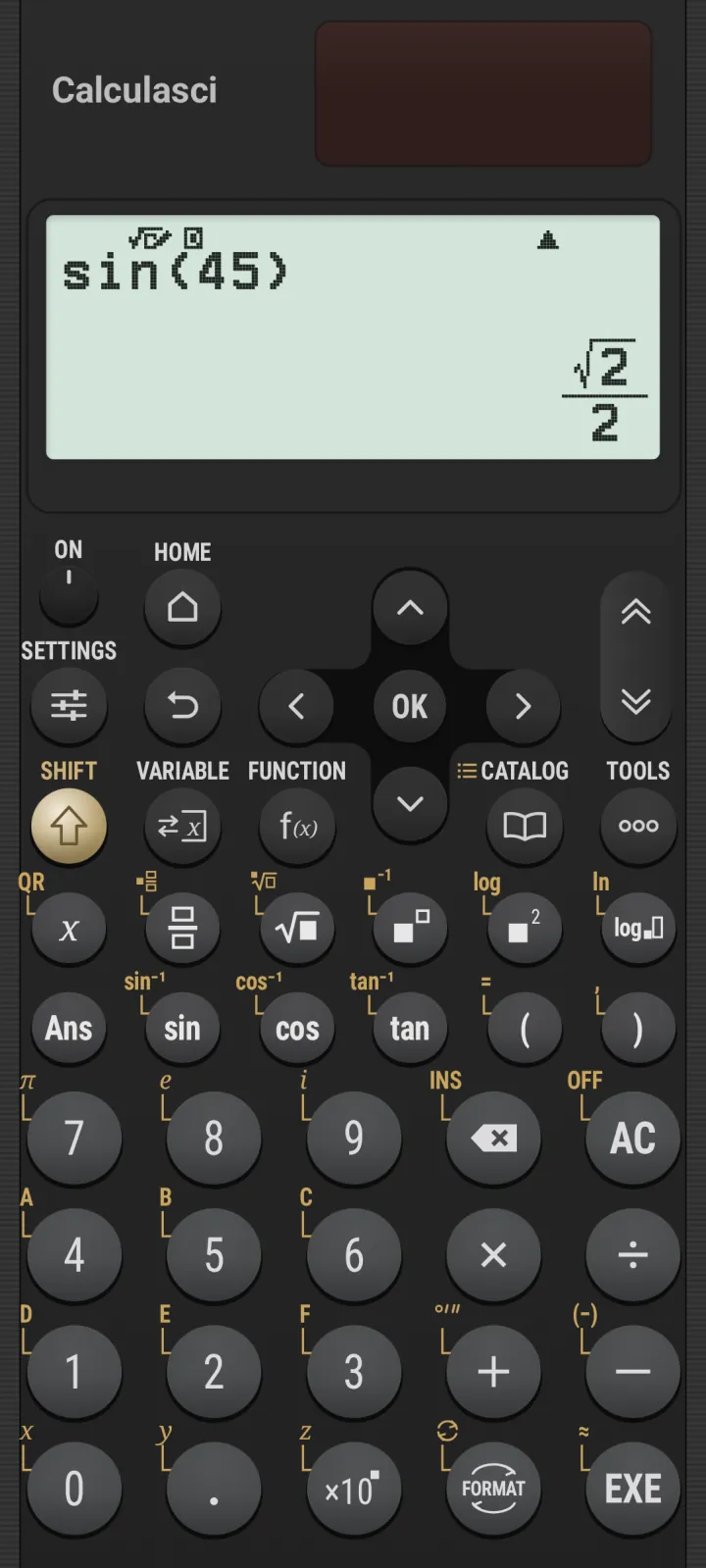
sin 45 = √22

exact trig, the way it was taught

Equation

Even the
imaginary ones.

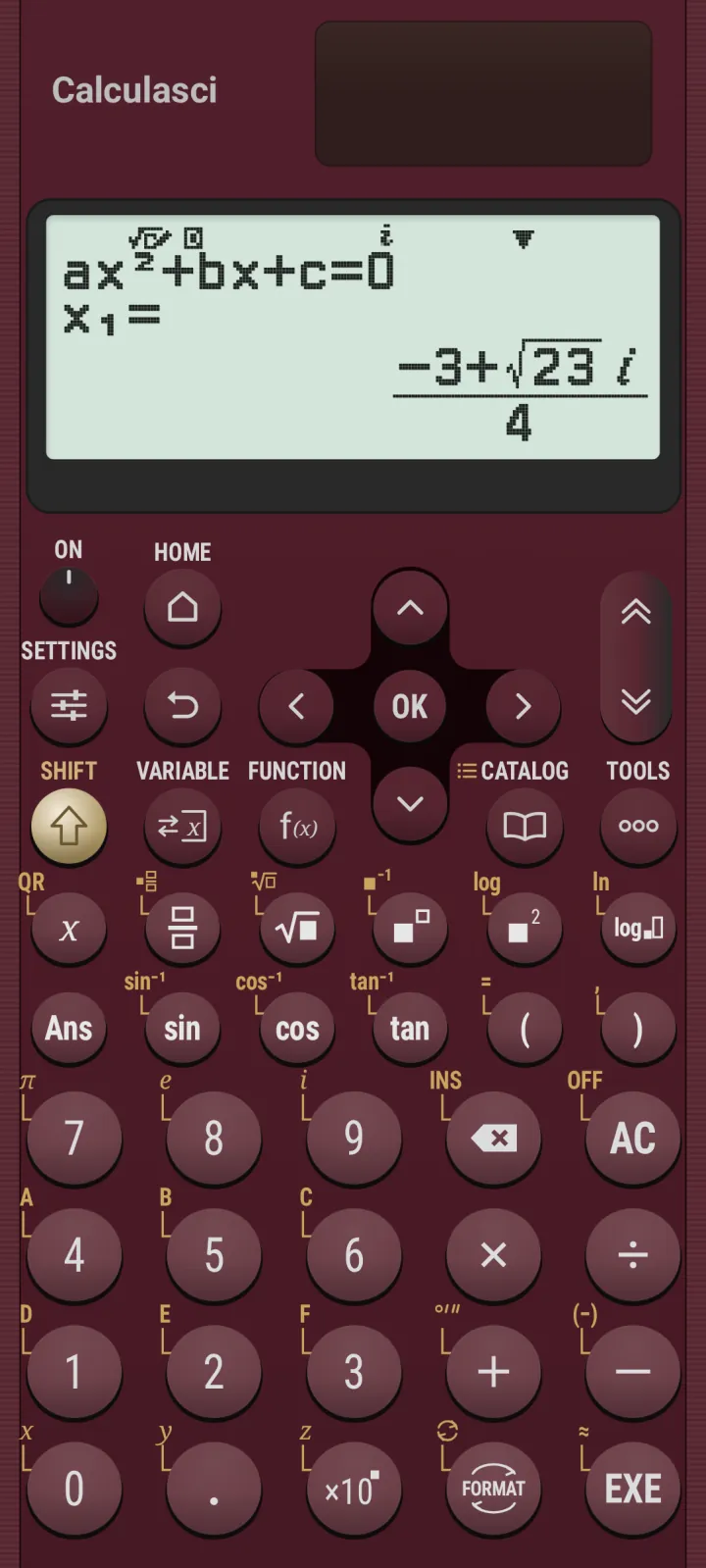
Polynomials up to degree four, solved with exact and complex roots. Simultaneous equations with up to four unknowns. Minimum, maximum and local extrema. And a Newton’s-method Solver that shows its work with L−R.

  • Degree 2–4 polynomials
  • 2–4 unknowns, simultaneously
  • Complex roots, in rectangular or polar form
  • Solver for anything else
x squared + 2x − 2 = 0, x1 = −1 + √3
2x squared + 3x + 4 = 0, x1 = (−3 + √23 i) / 4

Six apps, one key away

A whole math
department.

Every app launches from HOME with the arrow keys, or straight from its number key. Your data waits for you when you come back.

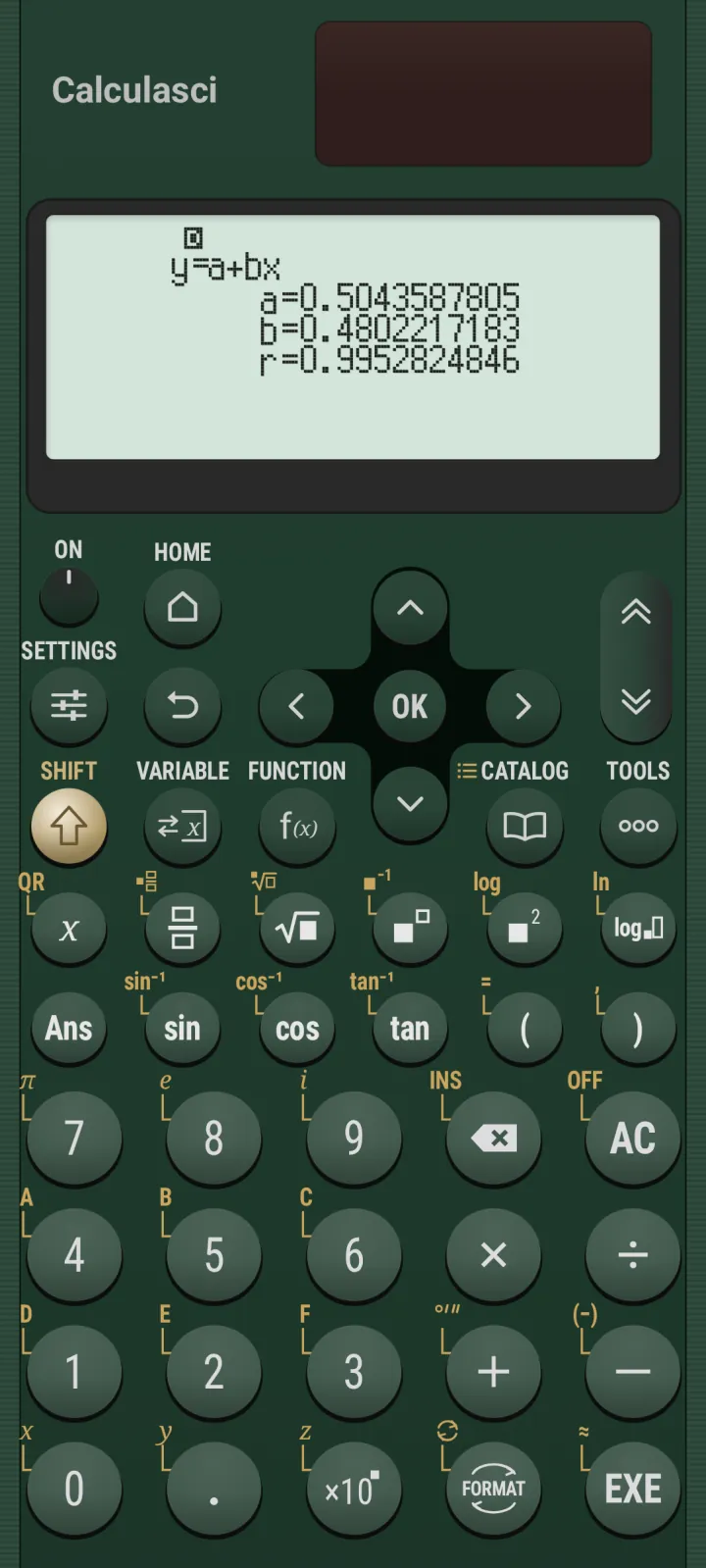
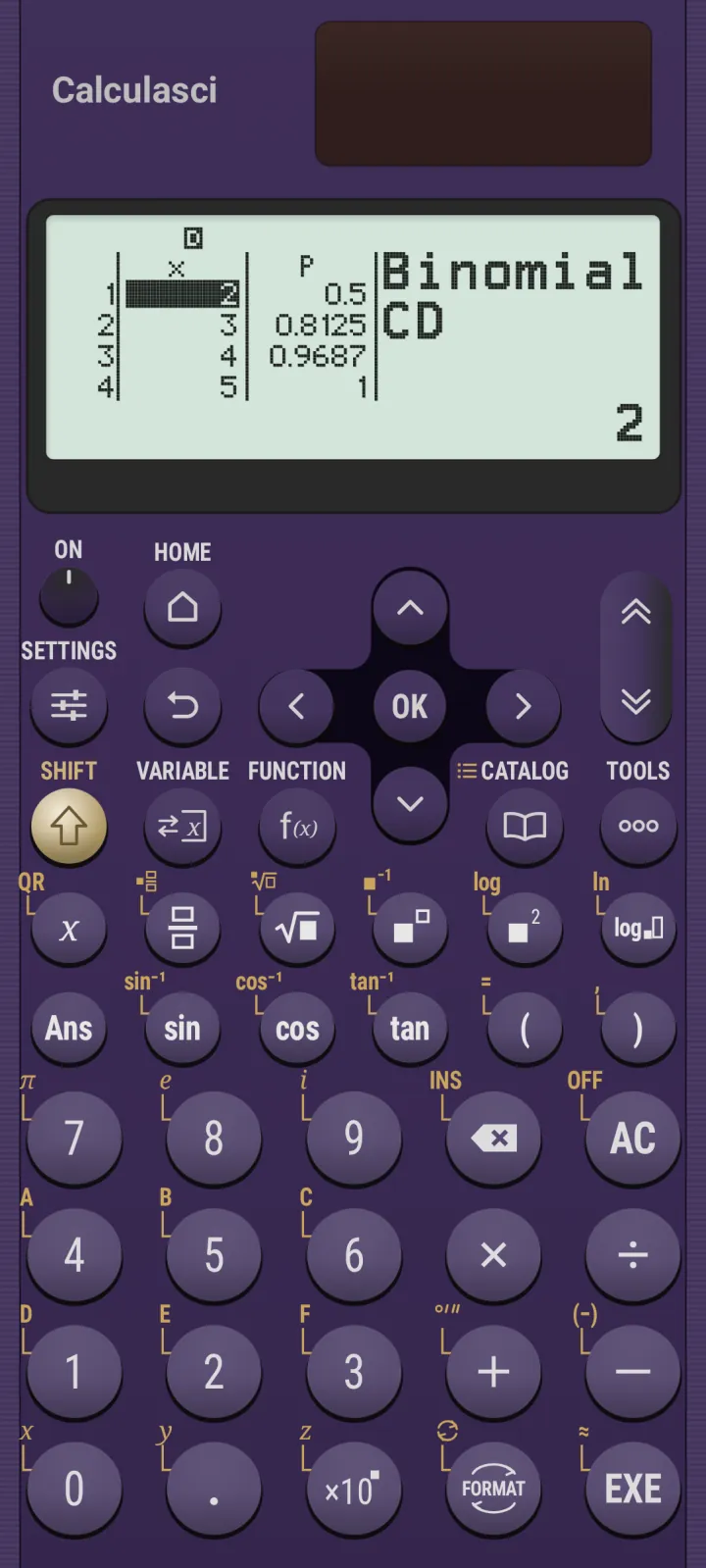
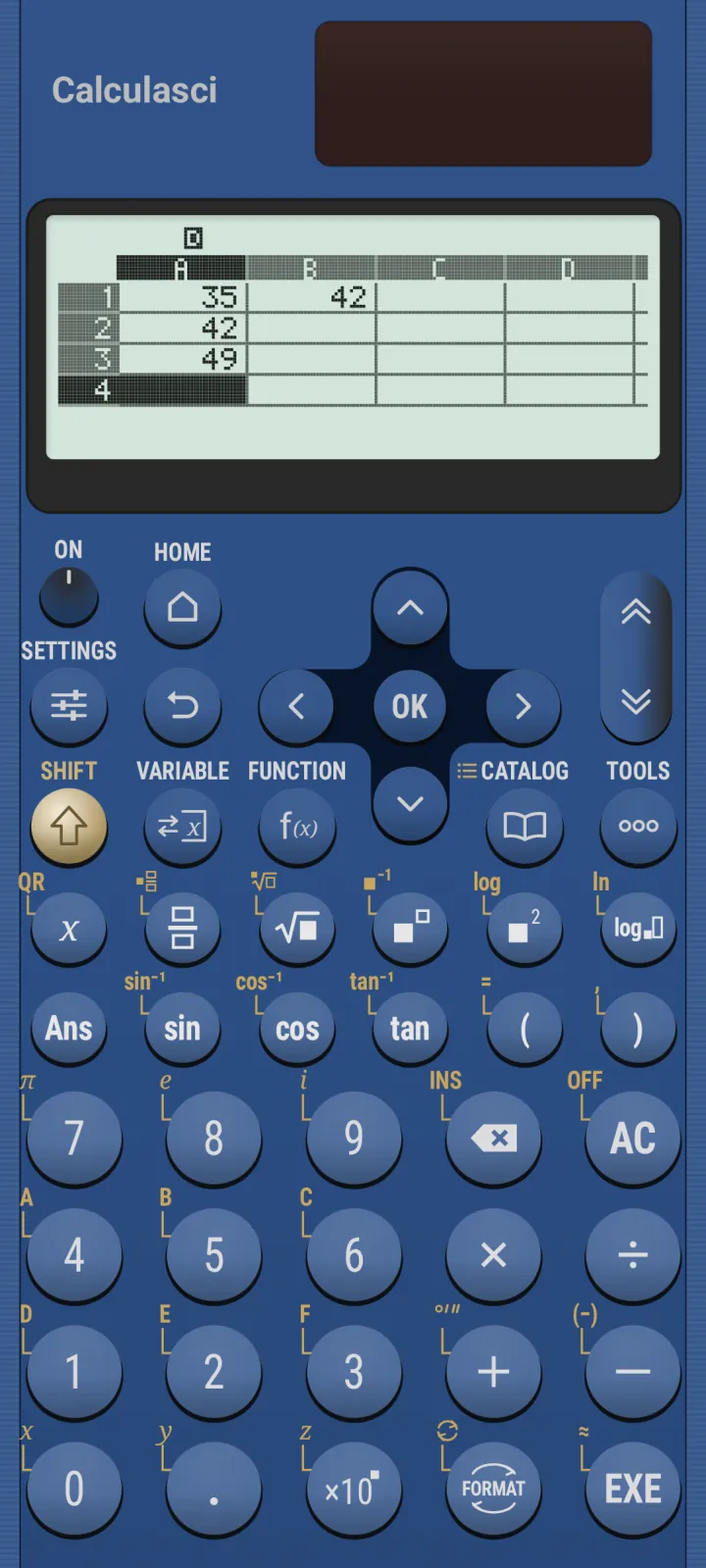
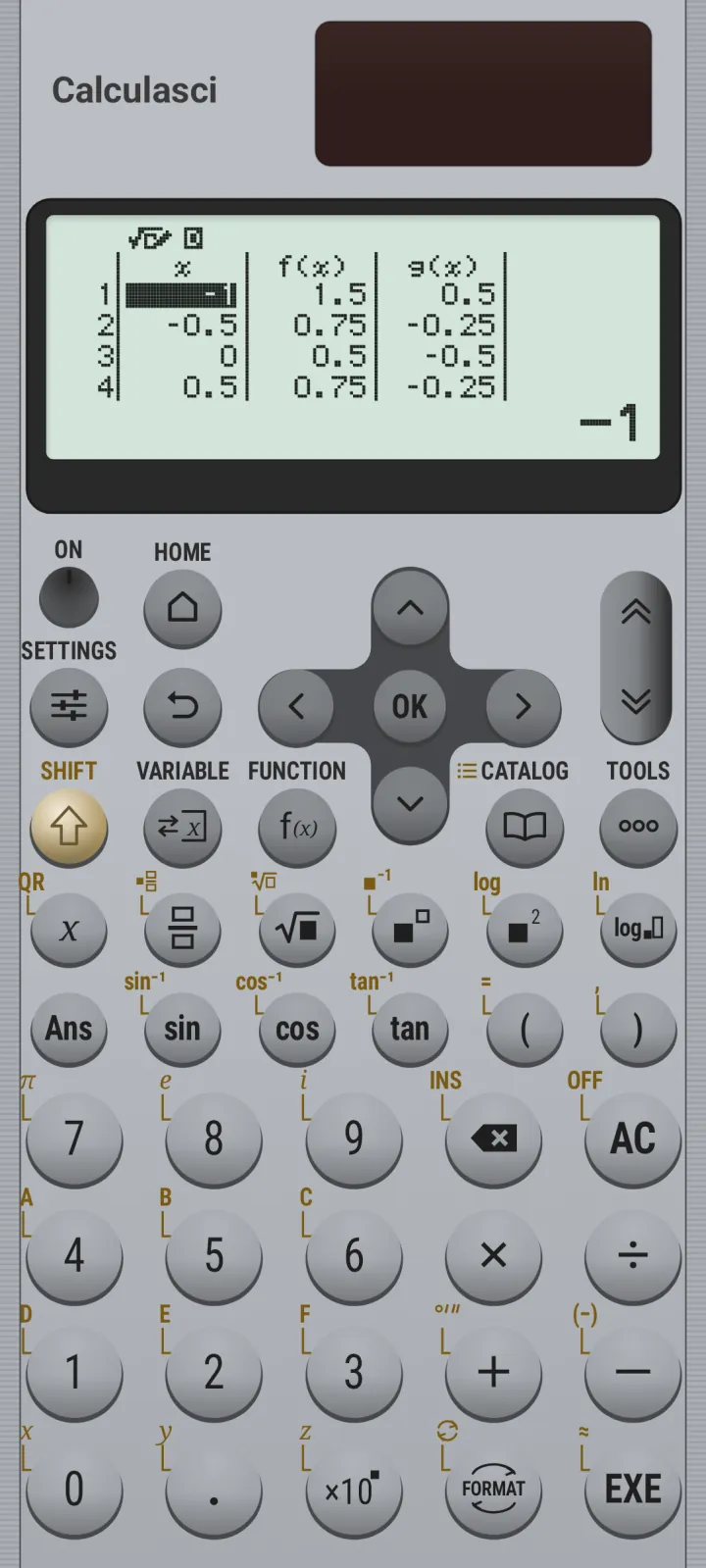
Calculate: sin(45) = √2/2 Statistics: linear regression results Distribution: binomial cumulative list Spreadsheet with formulas in columns A and B Table of f(x) and g(x) Equation: quadratic roots

Calculate

The heart of it all. Exact fractions, surds and π. FORMAT turns any answer into a decimal, mixed number, degrees-minutes-seconds, engineering notation or prime factors. Answer memory, variables A–F, x, y and z, plus f(x) and g(x) definitions, history and undo.

Scientific constants and unit conversions are built right in.

Statistics

One- and two-variable editors, with frequency. Every summary value you’d expect. Linear, quadratic, logarithmic, exponential, power and inverse regressions, with estimates for x̂ and ŷ.

Distribution

Normal PD, CD and inverse. Binomial and Poisson PD and CD. Work with a single value, or hand it a whole list and get every answer at once.

Spreadsheet

Five columns, forty-five rows, right on the LCD. Formulas with relative and absolute references. Min, Max, Mean and Sum over ranges. Fill, cut, copy, paste, Grab and Auto Calc.

Table

Number tables of f(x), g(x), or both side by side, built from a start, end and step. Type x values straight in, step through them, insert and delete rows.

Equation

Simultaneous linear equations, polynomials from quadratic to quartic, and a Solver for everything in between. Exact roots, complex roots and turning points.
The details

Built like the
real thing.

A keypad that knows every trick.

SHIFT, CATALOG, TOOLS, FORMAT, VARIABLE and FUNCTION, with option-number badges, scrolling lists and radio menus. EXE works like OK. AC closes what you opened. It all behaves exactly the way your fingers expect.

Tested

40+

reference screens, compared dot by dot. Most match 97 to 99.9 percent.2

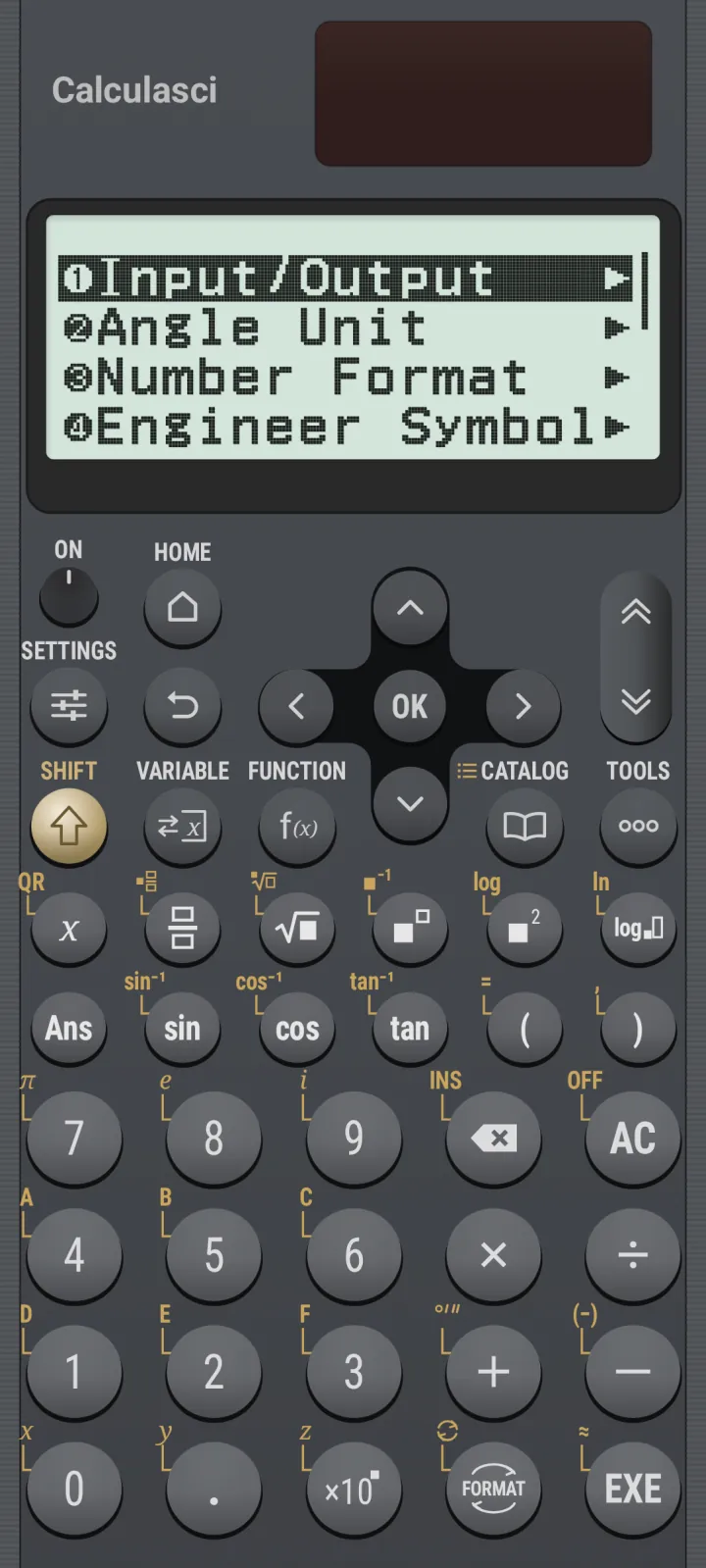
Calc Settings menu

Settings, all of them.

Input/Output, Angle Unit, Number Format, Engineer Symbol, Fraction and Complex Result, Decimal Mark, Digit Separator, Contrast and more.

Feel every press.

Haptics and click sound, tuned separately for the number keys and the cursor keys.

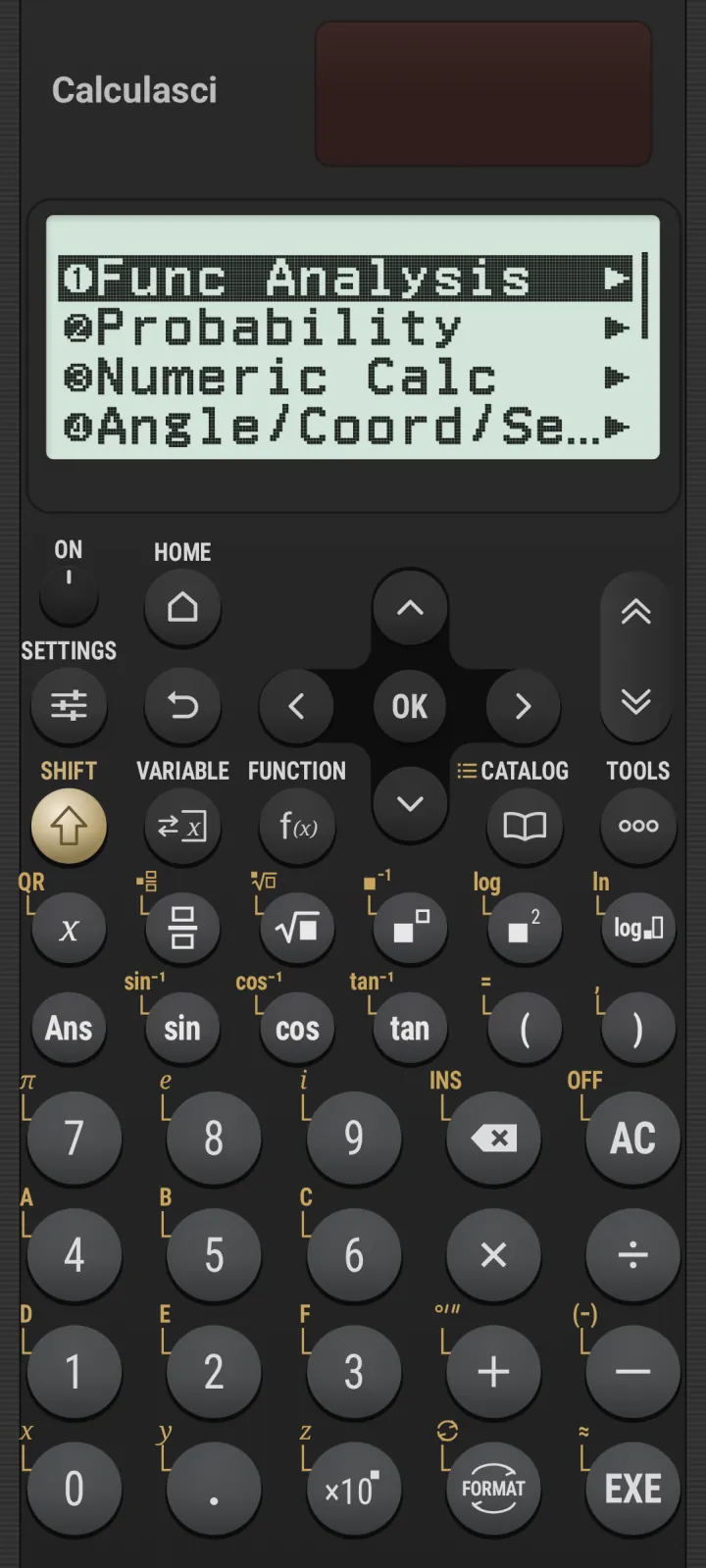
CATALOG menu with Func Analysis, Probability, Numeric Calc

Hundreds of functions. One CATALOG.

Derivatives, integrals, sums, logs, probability, rounding, and conversions, sorted into tidy categories.

Edge to edge. Nothing in the way.

The case, keypad and LCD fill your whole screen in immersive mode. No status bar, no navigation bar, no letterboxing. Just the calculator.

Themes

Ten finishes.
All of them yours.

Pick a case colour in App Settings and the whole calculator follows. Keys are tinted to match, and every legend stays perfectly readable.

Calculasci in Black

Black

What happens on your
calculator stays on
your calculator.

No network.

Calculasci doesn’t ask for internet access. It couldn’t send your data anywhere if it tried.

No analytics.

No trackers, no telemetry, no “anonymous usage data”. What you calculate is your business.

No ads.

Not a banner, not a pop-up, not a video between equations. Ever.

Coming soon

Seven more apps.
Already on HOME.

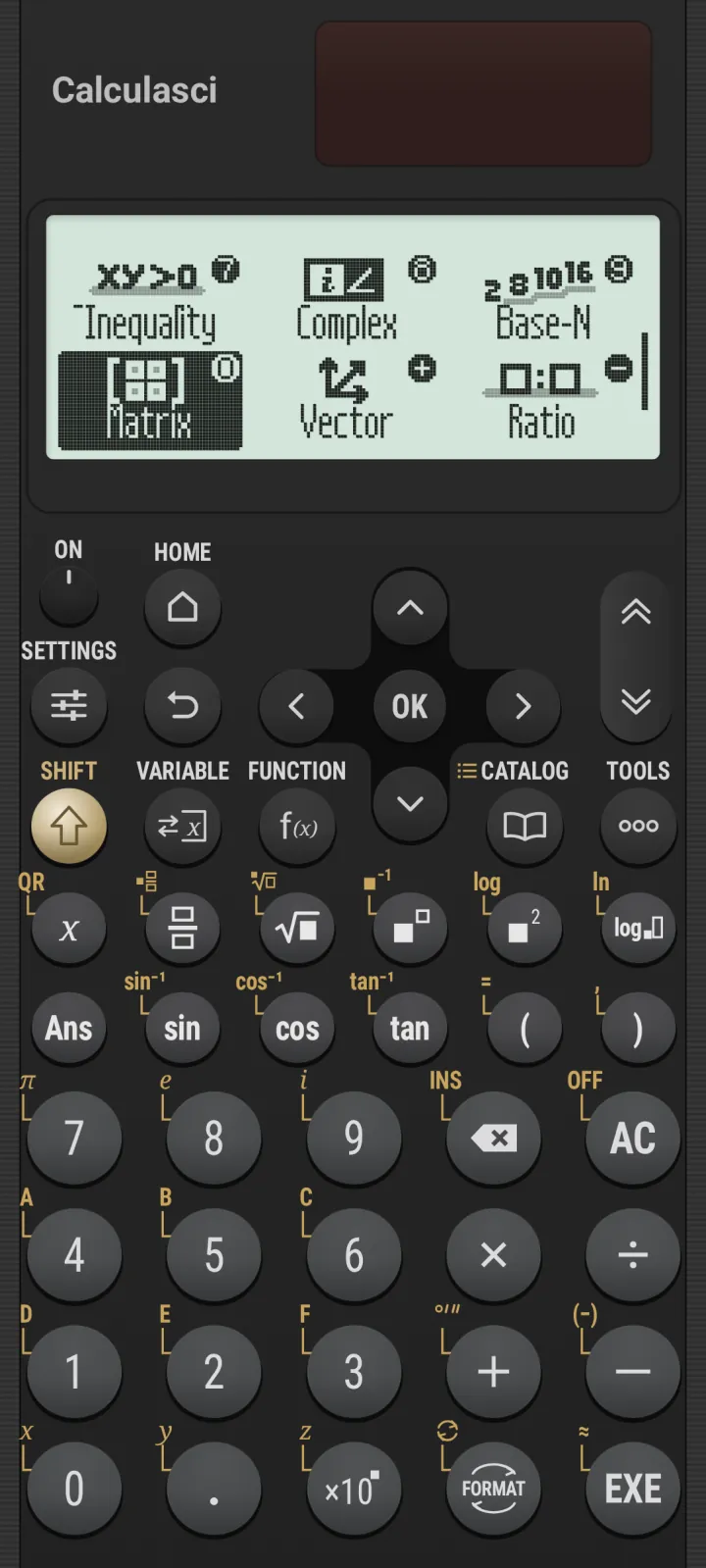
Their icons are in place and their keys are waiting. Each one is being rebuilt with the same dot-for-dot care as the rest.

Solve inequalities up to degree four.

Arithmetic on complex numbers, in a+bi or r∠θ.

Binary, octal, decimal and hex, plus logic.

Determinants, inverses, transposes and more.

Dot and cross products, angles and unit vectors.

Find the missing term in A:B = C:D.

Dice, coins, number lines and circles for exploring.

And more.

Store to variables from any editor, and Statistics and Spreadsheet data that survive a restart.

HOME screen with Inequality, Complex, Base-N, Matrix, Vector and Ratio

Calculasci

The calculator you already know how to use.

Coming soon to Google Play. For Android 8.0 and later.

200 × 79dot LCD, 4 shades
6 + 7apps, live and coming
10case colours
0network permissions